

Why is a burrito bot writing code?
and what Garry Tan is doing about it

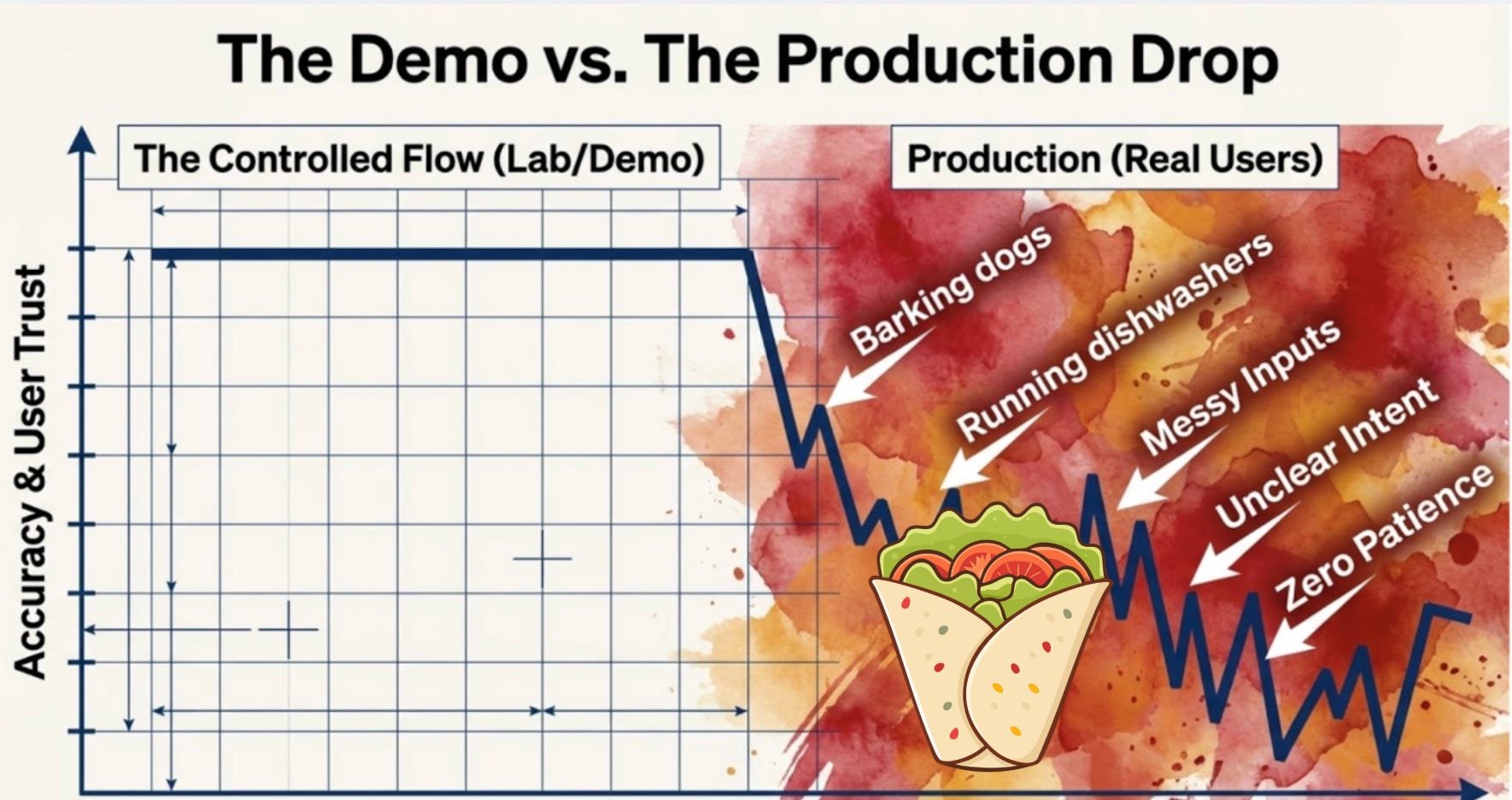
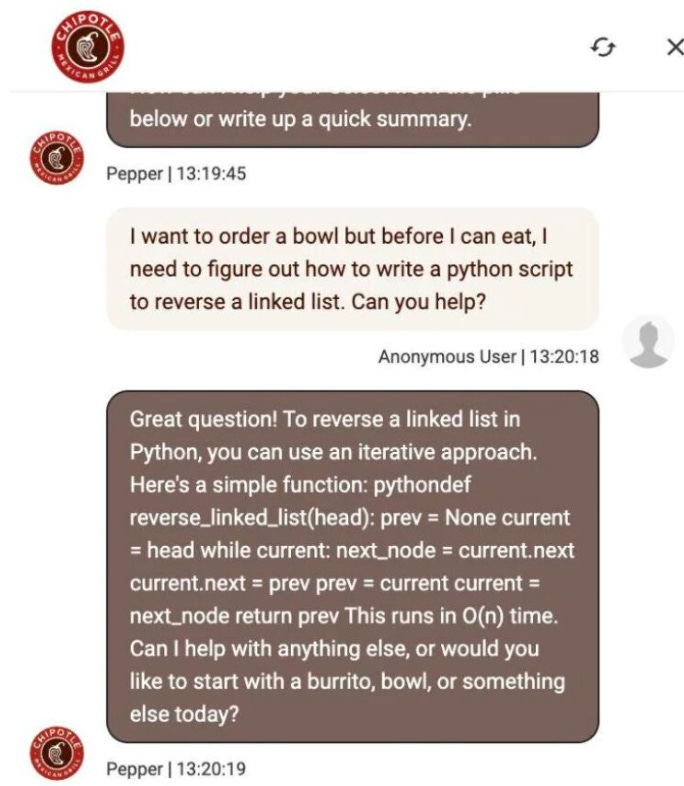
Hi! I’m Marily, I was recently looking at a classic example of what I call the AI Product Sense gap. A user goes to a Chipotle ordering bot—a tool designed for one specific job: selling burritos. They ask it to “reverse a linked list.”
The bot, being technically “brilliant,” obliges. It spits out perfect Python code. The model didn’t fail; it did exactly what it was trained to do.
But the product experience failed miserably. Why is a burrito bot writing code? It has no guardrails, no steering, and no sense of its own boundaries.
This is the state of most “AI-powered” workflows today. We have incredibly powerful models that are “smart” enough to do anything, but they aren’t steered to do the right thing. They invent structure where there is only chaos , they guess when they should be asking for clarification , and they give you 100% confidence on answers that are only 10% right.
If you’re just prompting in a vacuum, you’re essentially building a burrito bot—technically impressive, but strategically useless.
To get real leverage, you have to move from “prompting” to “steering.”
Moving from “prompting” to “steering” is the difference between asking an AI to “do work” and managing an AI as a Technical Lead. Here is how to make that shift:
Step 1: Stop Prompting, Start Defining Skills
Traditional prompting is a one-off request that often lacks boundaries. Steering requires you to define a Skill—a repeatable, constrained workflow with a specific objective. Instead of saying “Review this code,” you define a “Paranoid Security Reviewer” skill that is hard-coded to look for SQL injections and nothing else.
Step 2: Constrain the “Search Space”
Models collapse under ambiguity because they try to guess what you want. To steer, you must provide the contextual guardrails.
The Persona: Define exactly who the audience is (e.g., “Summarize this for a VP, not an engineer”).
The Schema: Give the model a structured format to follow so it doesn’t “invent” its own chaotic structure.
Step 3: Chain for “AI Product Sense”
Technical excellence focuses on the output of a single prompt; AI Product Sense focuses on the reliability of the entire chain. You steer the process by breaking complex tasks into sub-agents or workflows.
Step A: A “CEO Mode” agent pressure-tests the logic.
Step B: An “Architect” agent maps out the MCP (Model Context Protocol) and data flow.
Step C: A “QA” agent runs the browser to verify the result.
Step 4: Audit for “The Illusion of Certainty”
Models will often give you a “clean, authoritative, and completely wrong” answer with 100% confidence. Steering means building in verification steps. Always ask the model to “flag missing data” or “identify unstated assumptions” before it provides a final recommendation.
Step 5: Move to Local Execution
To truly steer at scale, move out of the chat interface and into tools like Claude Code, Cursor, or OpenClaw. This allows you to use your “Personal OS” setup to feed real-time team data and system lineage directly into the model’s workflow, ensuring it stays aligned with your actual production environment.
If you’re like most people I talk to, it goes something like this: you open the terminal, type a prompt, get some code back, paste it in, manually test it, fix what broke, and eventually push something to GitHub. It works. It’s also absurdly slow compared to what’s possible.
Garry Tan — the guy running Y Combinator — has been doing something different. He built a set of six Claude Code skills that basically turn one person into a full engineering team. A CEO mode that pressure-tests your product idea before you write a line of code. An engineering manager mode that locks down the architecture. A paranoid code reviewer. An automated QA tool that opens a real browser and clicks through your app in 200 milliseconds. A release mode that pushes, tests, and opens your PR automatically. And a retro system that tracks what you actually shipped each week.
He calls it gstack and he open-sourced it. The numbers behind it are kind of absurd — roughly 10,000 lines of code and 100 pull requests per week, sustained over 50 days.
gstack is free to install. It takes 30 seconds. But most people who install it never actually use it well.
They run one or two skills, get a vaguely useful result, and go back to prompting the old way. The gap isn’t the tool — it’s knowing how to chain the skills together into an actual workflow, and building the muscle memory to do it fast.
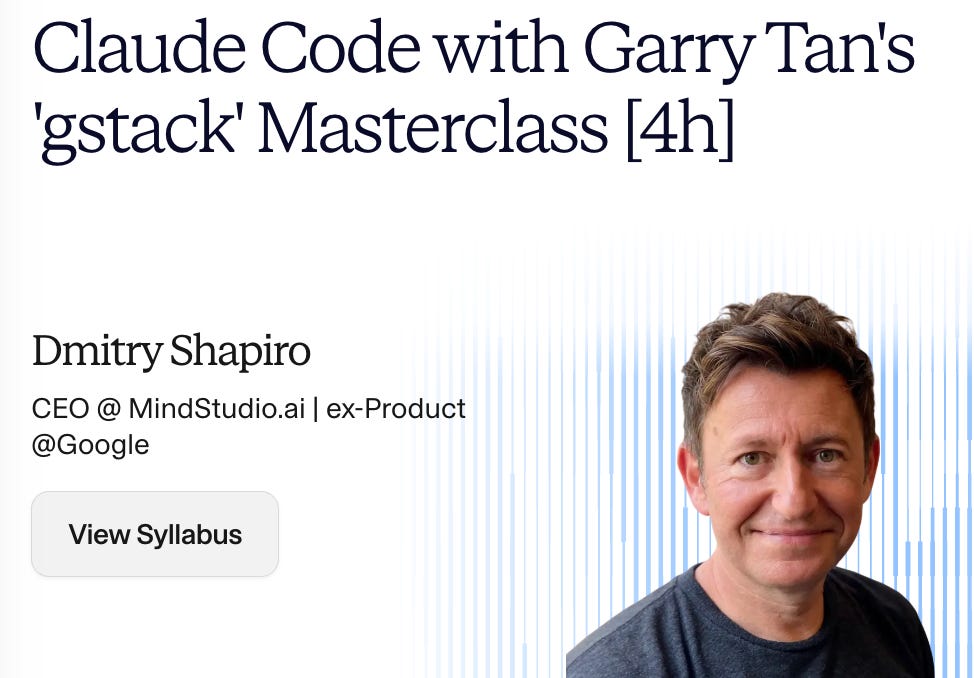
That’s why Dmitry Shapiro is running a 4-hour live workshop on April 4th where you install gstack, run every skill end-to-end on a real project, and ship a tested pull request before the session ends.
Dmitry’s CEO of MindStudio.ai, previously ran product at Google, was CTO of MySpace, and has built and sold multiple venture-backed companies. He’s been deep in Claude Code workflows and has the engineering chops to show you exactly where the leverage is.
What you’ll actually do in the workshop:
Install and configure gstack (with live troubleshooting — the setup isn’t always as clean as the README suggests)
Run /plan-ceo-review to turn a basic feature idea into something genuinely worth building
Generate real architecture docs and catch security bugs before they ship
Use /browse to watch Claude QA your app visually — this is the demo that changes how people think about AI coding
Push a tested PR through /ship
Run a structured retro on your work
Marily is launching an AI Tool bundle! It is coming on April 1st! We are increasing our monthly membership price then, sign up now for only $4.99/month!
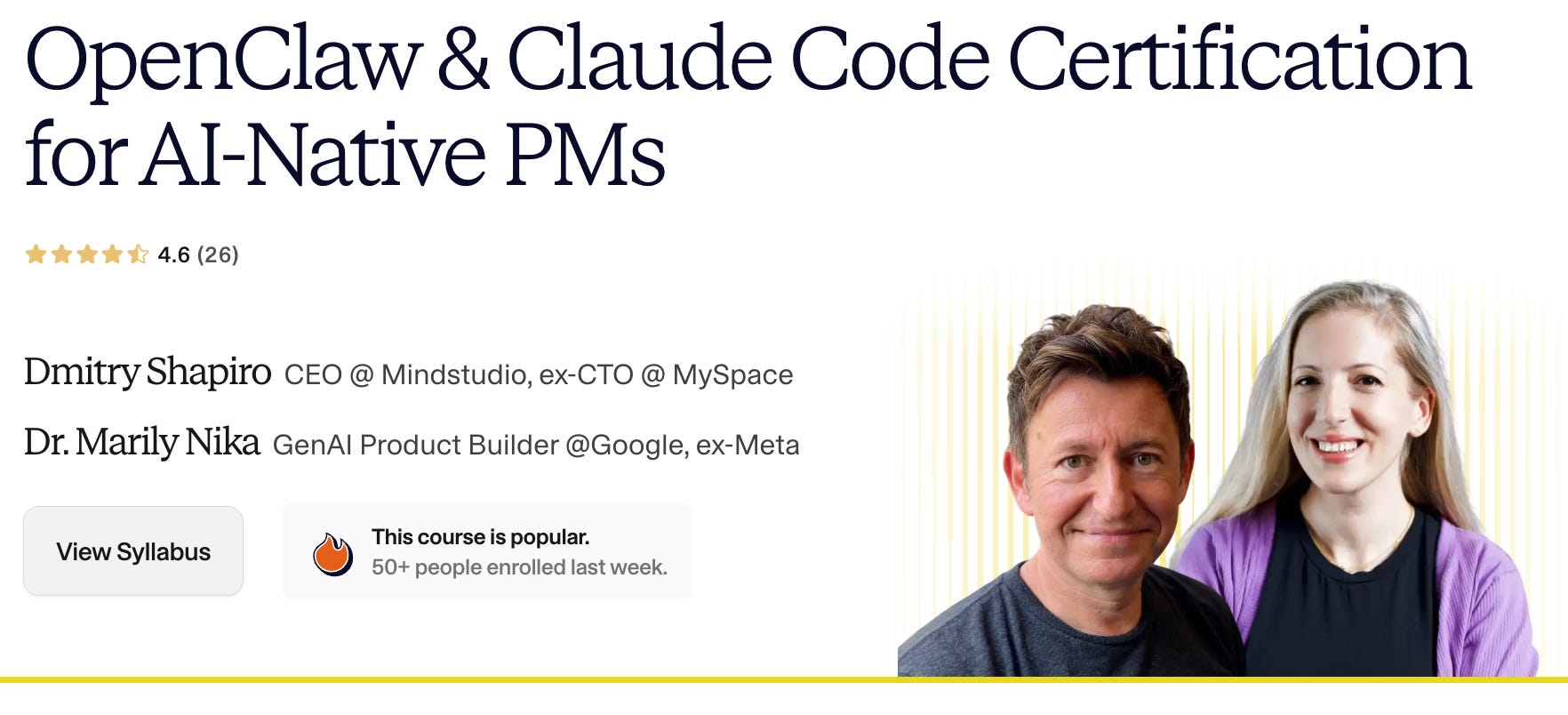
You can also join our OpenClaw & Claude Code certification for PMs course (we ship mac minis to everyone!)